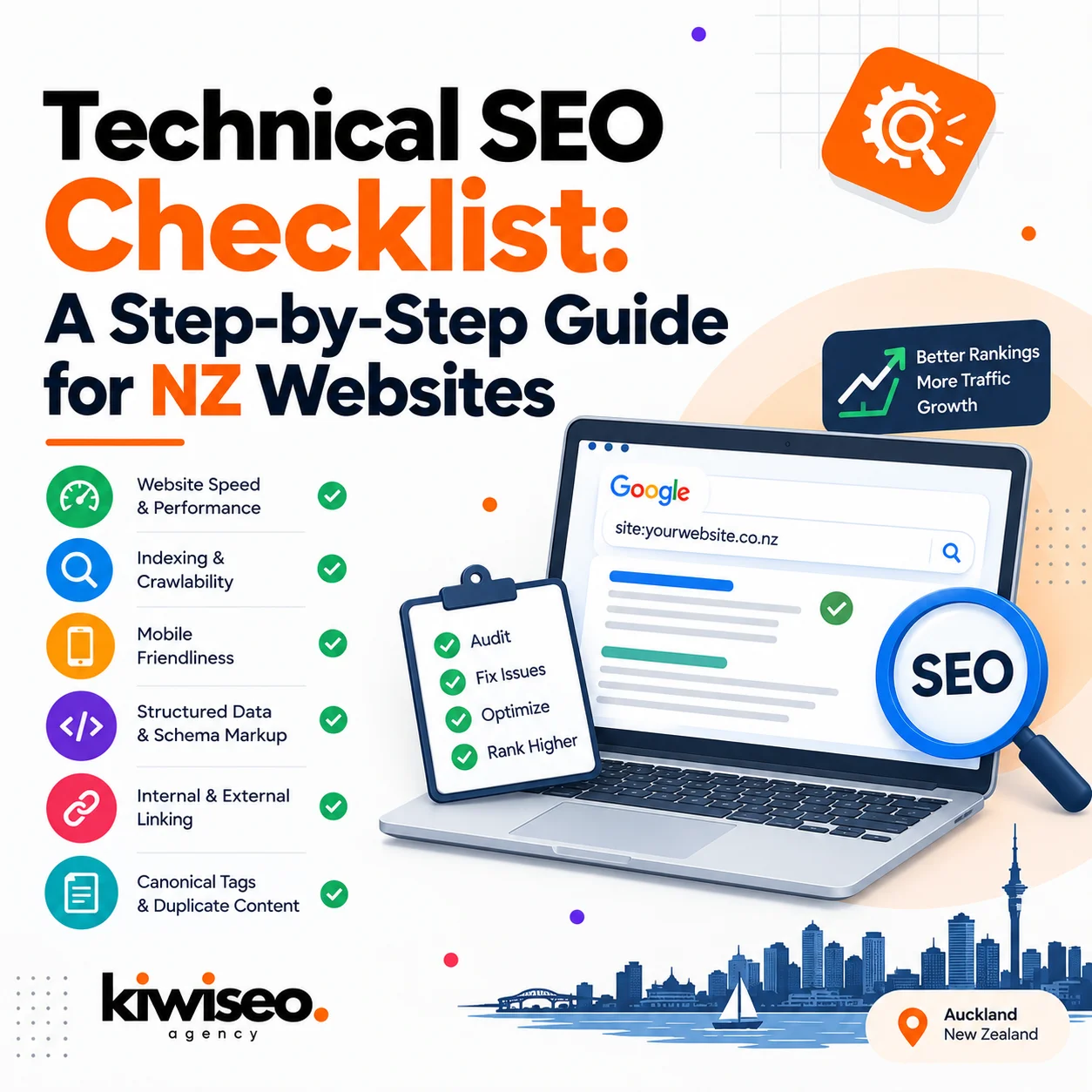
Technical SEO determines whether Google can crawl, index, and rank a website at all. A New Zealand business with beautifully written copy still loses visibility if its sitemap is broken, its Core Web Vitals fail, or its pages sit three redirects deep. This checklist covers the eleven areas that matter most for Kiwi websites in 2026: crawlability, site speed, mobile experience, site architecture, duplicate content, structured data, local and hreflang signals, security, analytics, AI crawler access, and the audit process that ties it all together. Each section names the specific checks to run and the tools New Zealand teams typically use to run them, from Google Search Console to Screaming Frog.
Auckland, Wellington, and Christchurch businesses compete in a smaller search market than the US or UK, which makes technical fundamentals count for more. A handful of missed indexing errors can be the difference between page one and page three for a niche Kiwi keyword. This guide works through the checklist in the order most auditors follow, starting with the one question every audit begins with: can search engines find your pages at all?
Crawlability and Indexation
Crawlability governs whether Googlebot can discover and read a website’s pages in the first place. A site with crawl errors, blocked resources, or a missing sitemap can have zero pages indexed, regardless of content quality.
Start with the XML sitemap. It should list only canonical, indexable URLs, exclude anything noindexed or redirected, and sit under 50,000 URLs per file (Google’s own limit). Submit it through Google Search Console and Bing Webmaster Tools, and check the “Sitemaps” report weekly for processing errors.
Robots.txt needs a careful second look. It should block crawl traps such as faceted filters and session parameters, but it must never accidentally disallow /wp-content/ or other folders holding CSS and JavaScript that Googlebot needs to render the page properly. Test every change with Google’s robots.txt tester before pushing it live.
Run these checks on a monthly cadence:
- Crawl the site with Screaming Frog or Sitebulb and export the full list of 4xx and 5xx errors.
- Review Search Console’s Page Indexing report and read the exclusion reason for every “not indexed” URL.
- Check for redirect chains longer than one hop and flatten them to a single 301.
- Confirm canonical tags point to the correct self-referencing or preferred URL, with no conflicts against the sitemap.
- Look for orphan pages: URLs that exist but receive no internal links.
New Zealand sites hosted offshore sometimes see slower crawl rates simply due to server distance from Googlebot’s default crawl locations, which is one more reason response time matters here.
Site Speed and Core Web Vitals
Google measures three Core Web Vitals: Largest Contentful Paint (LCP), Interaction to Next Paint (INP), and Cumulative Layout Shift (CLS). A page passing all three should load its main content in under 2.5 seconds, respond to input in under 200 milliseconds, and shift its layout by less than 0.1.
| Metric | Measures | Target |
|---|---|---|
| LCP | Loading speed of the largest visible element | Under 2.5 seconds |
| INP | Responsiveness to user interaction | Under 200ms |
| CLS | Visual stability during load | Under 0.1 |
Run PageSpeed Insights and Lighthouse on your homepage, a category page, and a product or service page, since performance varies by template. For New Zealand businesses on shared or budget hosting, a local CDN and browser caching often produce the single biggest speed gain available.
Practical fixes that consistently move the needle:
- Serve images as WebP or AVIF and compress anything over 200KB.
- Defer non-critical JavaScript and inline the CSS needed for above-the-fold content.
- Set explicit width and height on every image and embed to stop layout shift.
- Choose a host with servers in or near Australia and New Zealand, or add a CDN edge node in the region, to cut round-trip time.
Recheck Core Web Vitals after every major template or plugin update. A single new script can undo months of optimisation work.
Mobile-First and Multi-Device Optimisation
Google indexes the mobile version of a site first, not the desktop version. If a New Zealand website’s mobile page hides content, images, or links that exist on desktop, that missing content effectively doesn’t exist for ranking purposes.
Check content parity between mobile and desktop: the same headings, body copy, structured data, and internal links should appear on both. Test navigation menus, buttons, and forms for touch usability, with tap targets spaced far enough apart to avoid mis-taps. Confirm the viewport meta tag is set correctly and that no horizontal scrolling occurs on common screen widths.
Test on real devices where possible rather than relying solely on browser emulators, since rendering differences between Chrome, Safari, and Samsung Internet can expose bugs an emulator misses.
Site Architecture and Internal Linking
A logical site structure helps both users and search engines find important pages quickly. Priority pages should sit no more than three or four clicks from the homepage.
Group related content into topic clusters with a hub page linking out to subtopics, and use consistent, descriptive URL patterns (for example /services/seo-audit/ rather than a string of query parameters). Every page should receive at least one internal link; orphan pages rarely get crawled or ranked. Anchor text should describe the destination page rather than defaulting to “click here” or “read more”.
Breadcrumb navigation with schema markup gives both users and crawlers a clear sense of hierarchy, and it often earns a rich breadcrumb display in search results.
Content Duplication and Index Hygiene
Duplicate or near-duplicate content splits ranking signals across multiple URLs instead of consolidating them on one. Canonical tags should point to a single preferred version of every page, and that choice needs to stay consistent across sitemaps, internal links, and redirects.
Common sources of duplication on New Zealand ecommerce and service sites include:
- Product or service variants reachable through multiple URL paths.
- www versus non-www, or HTTP versus HTTPS, versions of the same page still resolving without a redirect.
- Filter and sort parameters generating near-infinite URL combinations.
- Tag and category archive pages in WordPress that repeat content already covered elsewhere.
Use noindex on thin utility pages such as internal search results or staging environments, and make sure those noindexed URLs are also excluded from the sitemap. Review indexed URL counts in Search Console periodically to catch unexpected spikes.
Structured Data and Rich Results
Schema markup tells search engines exactly what a page is about, which increases eligibility for rich results like FAQ dropdowns, review stars, and breadcrumb trails. Pages using accurate schema.org markup are more likely to earn enhanced SERP listings than pages without it.
Priority schema types by site category:
- Service businesses: LocalBusiness, Service, and FAQPage.
- Ecommerce: Product, Offer, and Review.
- Content and blog pages: Article and BreadcrumbList.
Validate every implementation with Google’s Rich Results Test before publishing, and revalidate after major content or template changes. Markup that doesn’t match visible page content, such as review stars for reviews that don’t exist, can trigger a manual action.
Local SEO and Hreflang Signals
New Zealand businesses competing for both local and national search terms need location signals baked into their technical setup, not bolted on afterward. A New Zealand-registered domain, consistent NAP (name, address, phone) data, and NZBN details in schema markup all reinforce local relevance to Google.
Where a business serves multiple regions, city-specific service pages (for example /auckland/ and /wellington/ variants) tend to outperform a single generic page trying to rank everywhere at once. If the site also serves Australian customers, hreflang tags should distinguish en-NZ from en-AU content to avoid one version cannibalising the other in search results.
Google Business Profile listings should link back to the correct page on the website, and that page’s schema should match the profile’s category, address, and phone number exactly.
Security and Technical Trust Signals
HTTPS is a baseline ranking factor and a browser trust signal; any New Zealand site still serving pages over HTTP will show a “Not Secure” warning that drives visitors away before they read a word of content. Every page should load over HTTPS with a valid, unexpired certificate and no mixed-content warnings.
Check for:
- Expired or misconfigured SSL certificates.
- Mixed content, where an HTTPS page still loads images or scripts over HTTP.
- Missing security headers such as Content-Security-Policy and X-Frame-Options.
- Outdated CMS plugins or themes, a common vulnerability source on WordPress sites.
Analytics, Monitoring and Reporting
An audit only has value if its fixes get measured. Search Console’s Coverage, Core Web Vitals, and Performance reports should be checked at least monthly to confirm improvements are holding and to catch new errors early.
Connect GA4 and Search Console into a shared dashboard, whether that’s Looker Studio or another BI tool, and track indexation rate, crawl errors, Core Web Vitals pass rate, and organic clicks together rather than in isolation. Set up alerts for sudden traffic drops or spikes in 404 errors so problems surface within days rather than at the next quarterly review.
Preparing for AI Crawlers and Answer Engines
Search is no longer only about the ten blue links. AI Overviews, Perplexity, and other answer engines now crawl the same content Google indexes and use it to generate direct answers. Clean HTML, accurate schema, and clear FAQ content help both traditional search engines and AI systems understand and cite a page correctly.
Consider adding an llms.txt file alongside the standard robots.txt to guide AI crawlers specifically. Keep FAQ sections factual and directly answerable, since answer engines tend to lift concise, well-structured answers over vague marketing copy.
Running the Audit: A Step-by-Step Process
A technical SEO audit works best as a repeatable process rather than a one-off task. Run this sequence at least twice a year, with lightweight monitoring in between:
- Crawl the full site with Screaming Frog or Sitebulb and export errors, redirects, and duplicate titles.
- Check indexation coverage in Search Console and Bing Webmaster Tools.
- Test Core Web Vitals on key templates with PageSpeed Insights and Lighthouse.
- Assess mobile parity and touch usability on real devices.
- Review site architecture, internal linking, and orphan pages.
- Audit for duplicate content and confirm canonical consistency.
- Validate structured data on every major page type.
- Check security: HTTPS, mixed content, and outdated software.
- Set up or review analytics dashboards and alerts.
- Prioritise fixes by impact, assign owners, and re-test after each fix ships.
Frequently Asked Questions
What is technical SEO?
Technical SEO covers the behind-the-scenes work that lets search engines crawl, index, and understand a website: site speed, mobile optimisation, XML sitemaps, robots.txt, structured data, canonicalisation, and site architecture.
How often should a New Zealand business run a technical SEO audit?
Twice a year at minimum, with ongoing monthly monitoring of Search Console and Core Web Vitals in between. Sites that change frequently, such as ecommerce stores with rotating stock, benefit from quarterly audits.
Does technical SEO matter for small New Zealand businesses, or only large sites?
It matters for sites of every size. A five-page local service website can lose rankings to the same crawl errors and slow load times that affect an enterprise ecommerce store; the smaller the site, the faster a single fix can move the needle.
What tools do NZ Technical SEO specialists commonly use for technical audits?
Screaming Frog and Sitebulb for crawling, Google Search Console and Bing Webmaster Tools for indexation, and PageSpeed Insights or Lighthouse for Core Web Vitals. Ahrefs and SEMrush add ongoing monitoring on top of these core tools.
Should a New Zealand website use hreflang if it only targets NZ customers?
No. Hreflang is only necessary when a site serves multiple English-language regions, such as both New Zealand and Australia. A single-market NZ site doesn’t need it.
What’s the difference between technical SEO and on-page SEO?
Technical SEO ensures a site can be crawled, indexed, and rendered correctly. On-page SEO covers the content, keywords, and metadata on individual pages. Both need to work together; strong content on a page Google can’t index won’t rank.