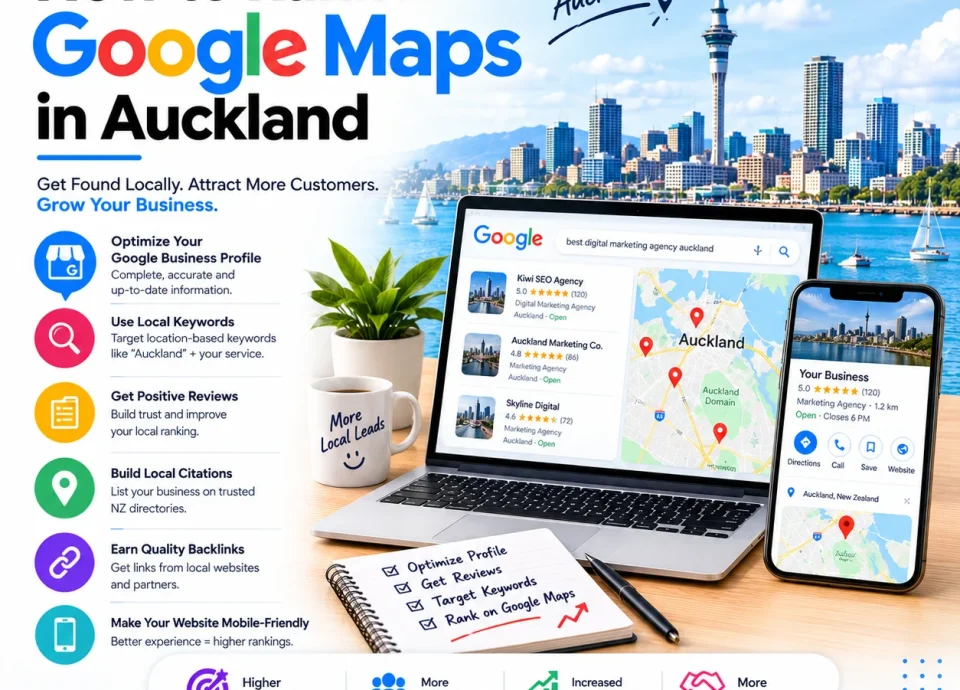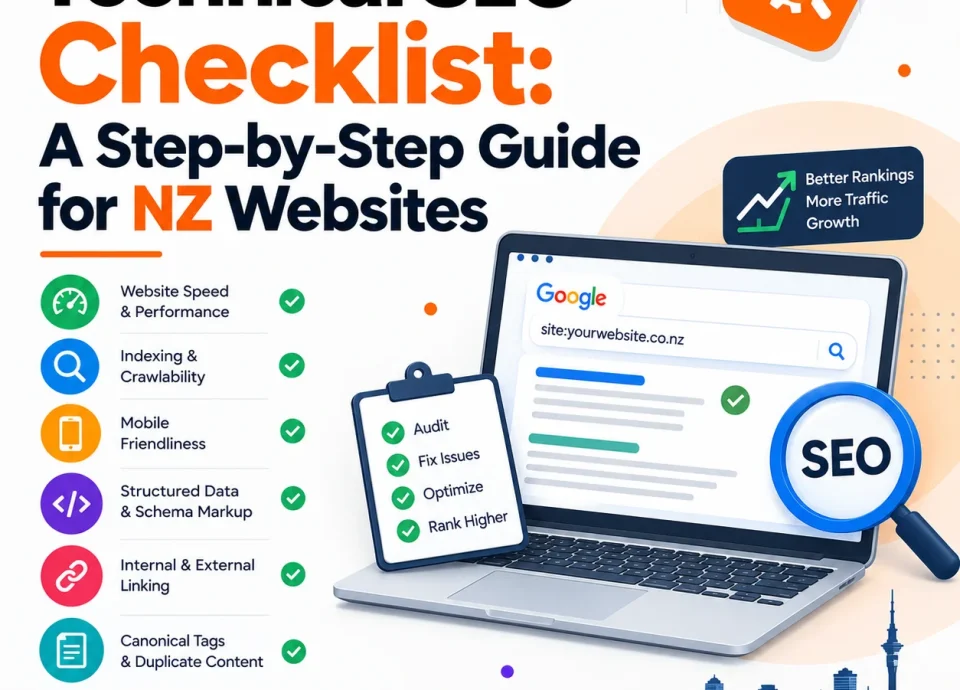
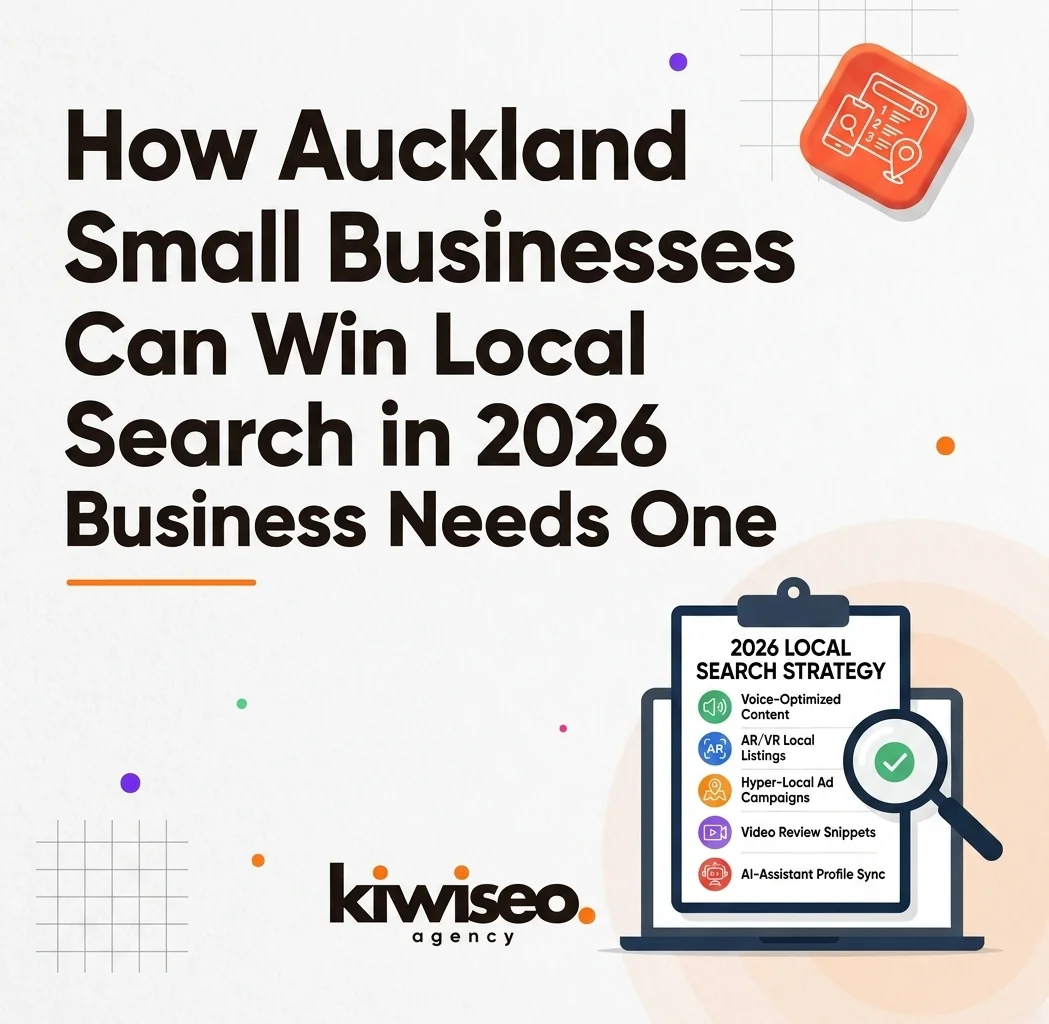
If you run a small business in Auckland, the fastest way to get more local customers is to show up when Kiwis search for your service nearby. This guide gives you a practical, step‑by‑step plan to win Auckland small business local search in 2026—focused on Google, Google Business Profile (GBP), and the local signals that actually move rankings.
You’ll learn how to:
-
Set up and fully optimise your Google Business Profile for Auckland
-
Build suburb‑specific pages that rank (Ponsonby, Grey Lynn, Mt Eden, Parnell, Newmarket, Epsom, etc.)
-
Fix the technical basics that block rankings
-
Create content that earns trust and converts
-
Track results and scale what works
Use this as your 90‑day roadmap to more calls, quotes, and bookings from organic search.
Why Auckland Small Business Local Search Matters in 2026
Most Auckland customers start on Google when they need a tradie, clinic, café, lawyer, or retailer nearby. Winning Auckland small business local search helps you appear in the “map pack” and the top organic results for queries like “plumber Auckland”, “dentist Ponsonby”, or “cafe near me”.
In 2026, local visibility is even more important because:
-
Google prioritizes nearby, relevant, and trustworthy businesses in local results.
-
AI‑driven search still leans on strong local signals (GBP, reviews, citations) to decide who to show.
-
Mobile searches with “near me” intent convert quickly—people call or request directions within minutes.
If your GBP is incomplete, your NAP (Name, Address, Phone) is inconsistent, or your site lacks Auckland suburb pages, you’re losing easy local traffic to competitors who have these basics sorted.
Step 1: Claim, Verify, and Fully Optimise Your Google Business Profile (Auckland Focus)
Your Google Business Profile is the single most important asset for Auckland small business local search. Treat it like a second homepage.
1) Claim and verify ownership
-
Search your business name on Google. If a profile exists, claim it. If not, create one at google.com/business and verify.
-
Ensure the listing is controlled by your business (not a former staff member or old agency).
2) Get categories right
-
Choose one primary category that best describes your core service (e.g., “Plumber”, “Dentist”, “Café”).
-
Add up to 9 secondary categories only if you genuinely offer those services.
3) Make NAP 100% consistent
-
Use your exact legal/trading name, physical address (or service area), and phone number everywhere: GBP, website footer, invoices, and directories.
-
Inconsistencies confuse Google and hurt Auckland small business local search performance.
4) Complete every field
-
Hours (including public holidays), services, products, attributes, and a clear description (“who you help + where + what you do”).
-
Add booking links, pricing ranges, or enquiry links where relevant.
5) Add real photos and videos
-
Upload photos of your team, vehicles, shopfront, completed jobs, and products—avoid generic stock images.
-
Profiles with regular photo updates earn more calls, direction requests, and website clicks.
6) Build reviews and respond to all of them
-
Aim for your first 20+ genuine reviews; ask your best clients directly.
-
Reply to every review with specifics (mention the job, suburb, or outcome). This signals activity and builds trust.
7) Post weekly and manage Q&A
-
Use Google Posts for updates, offers, recent jobs, and seasonal promotions—at least one post per week.
-
Seed and answer common questions in the Q&A section with useful, local details.
8) Monitor insights and iterate
-
Track calls, direction requests, website clicks, and top search queries in GBP Insights.
-
Double down on what drives enquiries (e.g., certain services, suburbs, or post types).
Step 2: Build Auckland Suburb Pages That Rank
One generic “Services” page won’t cut it if you serve multiple Auckland suburbs. Create dedicated pages for each major area you want to rank in—this is core to Auckland small business local search.
What to include on each suburb page
-
Clear title and H1 with service + suburb (e.g., “Emergency Plumber in Ponsonby”).
-
Intro that speaks to local pain points and scenarios (e.g., “old plumbing in character homes”, “rush hour access”).
-
Services offered in that area, with plain‑language descriptions.
-
Embedded Google Map and your NAP in the footer.
-
Local FAQs (parking, access, typical response times, suburbs covered).
-
Internal links to your main service page, contact page, and related suburb pages.
Priority suburbs to start with
Begin with 5–6 high‑value Auckland suburbs:
-
Ponsonby, Grey Lynn, Mt Eden, Parnell, Newmarket, Epsom.
Add more as you gain traction. Avoid thin, duplicate content—each page should have unique details about that suburb and how you serve it.
Step 3: Fix the Technical Basics That Block Rankings
Even great content won’t rank if Google can’t crawl, render, or trust your site. Run a quick technical health check—this is often the difference between page 2 and page 1 for Auckland small business local search.
Must‑fix items
-
Mobile usability: Ensure buttons, forms, and phone numbers are easy to tap on mobile.
-
Page speed: Compress images, enable caching, and minimise heavy scripts. Use PageSpeed Insights to find issues.
-
Indexing: Submit your sitemap in Google Search Console; fix 404s and redirect chains.
-
HTTPS and security: Use SSL across the site; avoid mixed‑content warnings.
-
Structured data: Add LocalBusiness schema with NAP, opening hours, and service areas.
If you’re unsure, a professional technical audit can uncover hidden issues (canonicals, faceted navigation, render‑blocking JS) that suppress rankings.
Step 4: Create Content That Earns Trust and Converts
Content is how you prove expertise, answer questions, and win local intent. Focus on usefulness, not keyword stuffing—this is how you build topical authority for Auckland small business local search.
High‑value content types for Auckland businesses
-
Service pages by suburb: As above, tailored to each area.
-
How‑to guides and checklists: “How to choose a plumber in Auckland”, “Dental implant process in Ponsonby”.
-
Case studies and before/after jobs: Show real outcomes, suburbs, and timelines.
-
Local FAQs: Answer the top 10 questions your team gets asked on the phone.
-
Seasonal posts: Winter heating checks, summer safety, holiday hours, and local events.
Write in plain language, include photos of your team and work, and link internally to your key service and suburb pages.
Step 5: Build Local Citations and Relevant Links
Citations (directory listings) and local backlinks help Google confirm you’re a real, trusted business in Auckland. Consistent NAP and quality links are foundational for Auckland small business local search.
Citations: get consistent first
-
Ensure your NAP is identical across your website, GBP, and every directory.
-
Start with NZ‑relevant directories and industry associations. Aim for 15–20 consistent citations.
Links: quality over quantity
-
Seek links from local news, chambers of commerce, sponsorships, suppliers, and partner sites.
-
Create link‑worthy content (local guides, data, community projects) that others want to reference.
Avoid spammy link schemes. A small set of relevant, trustworthy links beats hundreds of low‑quality ones.
Step 6: Track Results and Scale What Works
SEO is a compounding channel. Measure the right metrics weekly and monthly, then double down—this is how you turn Auckland small business local search into a predictable growth engine.
Core metrics to track
-
Google Search Console: impressions, clicks, CTR, and top queries/pages.
-
GBP Insights: calls, direction requests, website clicks, and top search terms.
-
GA4: organic sessions, conversions (calls, forms, bookings), and top landing pages.
-
Rankings: track priority keywords and suburb pages (e.g., “plumber Auckland”, “dentist Ponsonby”).
Simple 90‑day plan
-
Days 1–15: Claim/verify GBP, complete all fields, add photos, start review requests.
-
Days 16–45: Build 5–6 suburb pages; fix mobile, speed, and indexing issues.
-
Days 46–90: Publish 4–8 supporting articles/FAQs; build 15–20 citations; earn 5–10 local links.
-
Ongoing: Post weekly on GBP, reply to reviews, and refine content based on GSC/GBP data.
Common Mistakes Auckland Businesses Make (and How to Avoid Them)
-
Incomplete GBP: Missing categories, services, photos, or posts. Fix: complete every field and post weekly.
-
Inconsistent NAP: Different names/numbers across the web. Fix: standardise everywhere.
-
One generic services page: No suburb specificity. Fix: create dedicated suburb pages.
-
Ignoring reviews: Not asking or not replying. Fix: request reviews after every job and respond to all.
-
Chasing shortcuts: Spammy links or keyword stuffing. Fix: focus on useful content and trustworthy signals.
FAQs
1) What is Auckland small business local search?
Auckland small business local search is the practice of optimising your website and Google Business Profile so you rank higher for location‑based searches in Auckland (e.g., “service + Auckland/suburb”). It focuses on GBP, NAP consistency, reviews, citations, and local content.
2) How long does it take to see results?
Most Auckland businesses see early improvements in 3–6 months, with stronger gains in 6–12 months as content, links, and GBP signals compound.
3) Do I need separate pages for each suburb?
Yes. Dedicated suburb pages let you target specific queries (“plumber Ponsonby”, “dentist Grey Lynn”) and answer local questions, which improves relevance and rankings for Auckland small business local search.
4) How many reviews do I need?
Aim for 20+ genuine reviews to start, then keep collecting. Reply to every review—this builds trust and signals activity to Google.
5) What’s more important: website SEO or Google Business Profile?
For local map pack rankings, GBP is critical. For broader organic visibility and conversions, your website SEO matters just as much. You need both for strong Auckland small business local search.
6) How do I track my local search performance?
Use Google Search Console (queries, pages, CTR), GBP Insights (calls, directions, clicks), and GA4 (organic conversions). Track rankings for priority suburb + service keywords.
7) Can I do this myself or should I hire an agency?
You can implement the basics yourself (GBP, suburb pages, reviews). An agency helps with technical SEO, content clusters, link building, and ongoing optimisation—especially if you want faster, more consistent results.
Ready to Get More Auckland Customers?
If you want a free SEO audit or a quick GBP review for your Auckland business, contact Kiwi SEO Agency today. We’ll show you exactly what’s blocking your growth and the fastest path to more local calls and bookings.
Tell us your suburb, main service, and current website/GBP link, and we’ll send back a short, actionable plan you can start using immediately.